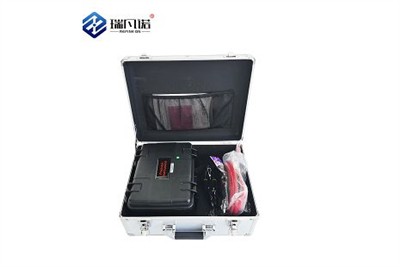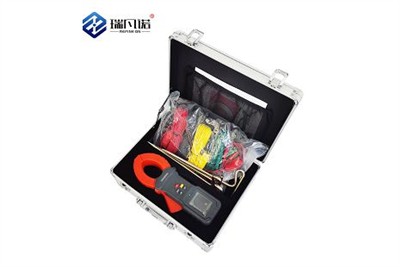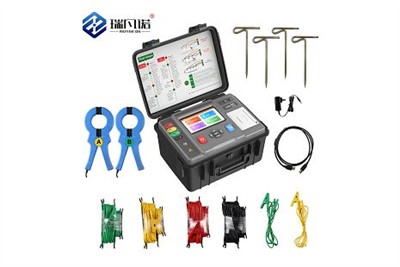
The usage instructions for a transformer tester vary depending on the specific test items and instrument model, but generally can be followed as follows:
1. Preparation:
Ensure the tester and transformer are powered off.
Check the power cord and test leads of the tester for damage or aging.
Read the operation manual to familiarize yourself with the instrument's functions and button layout.
2. Connecting Test Leads:
Select appropriate test leads and interfaces according to the test items (e.g., insulation resistance, turns ratio, DC resistance, etc.).
Connect one end of the test lead to the corresponding terminal on the transformer (e.g., high-voltage side, low-voltage side, neutral point, etc.), and the other end to the corresponding interface on the tester.
Ensure a secure connection to avoid poor contact or short circuits.
3. Setting Parameters:
Turn on the tester and enter the main menu.
Select the test item (e.g., "Turns Ratio Test" or "Insulation Resistance Test").
Input the rated voltage, turns ratio, and other data according to the transformer nameplate or technical parameters.
Set the test conditions (e.g., test voltage, time, etc.).
4. Start Testing:
After confirming the parameters are correct, start the test.
During the test, observe the data and status displayed on the instrument to ensure there are no abnormalities (such as overload alarms).
After the test is completed, the instrument will automatically save the data or prompt you to save it manually.
5. Data Analysis and Reporting:
View the test results through the instrument's display interface or the accompanying software.
Compare the results with standard values or historical data to determine if the transformer is functioning normally.
Generate a test report and export the data for subsequent analysis.